



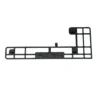
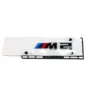
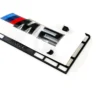
PaddleShifterz G87 M2 Rear Badge Positioning Template
SKU: PS-G87-M2-TMPL
5,00 € (excl. VAT: 4,20 €)
Fits: BMW G87 - M2 Fitment details


Shop rating 4.9/5 · 533 reviews across all products
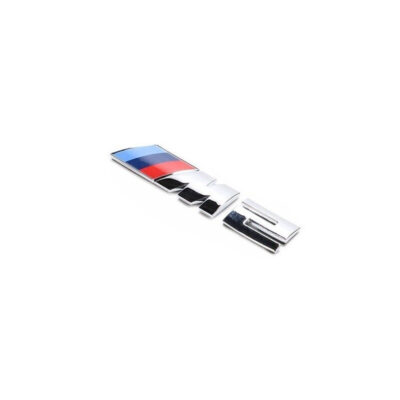
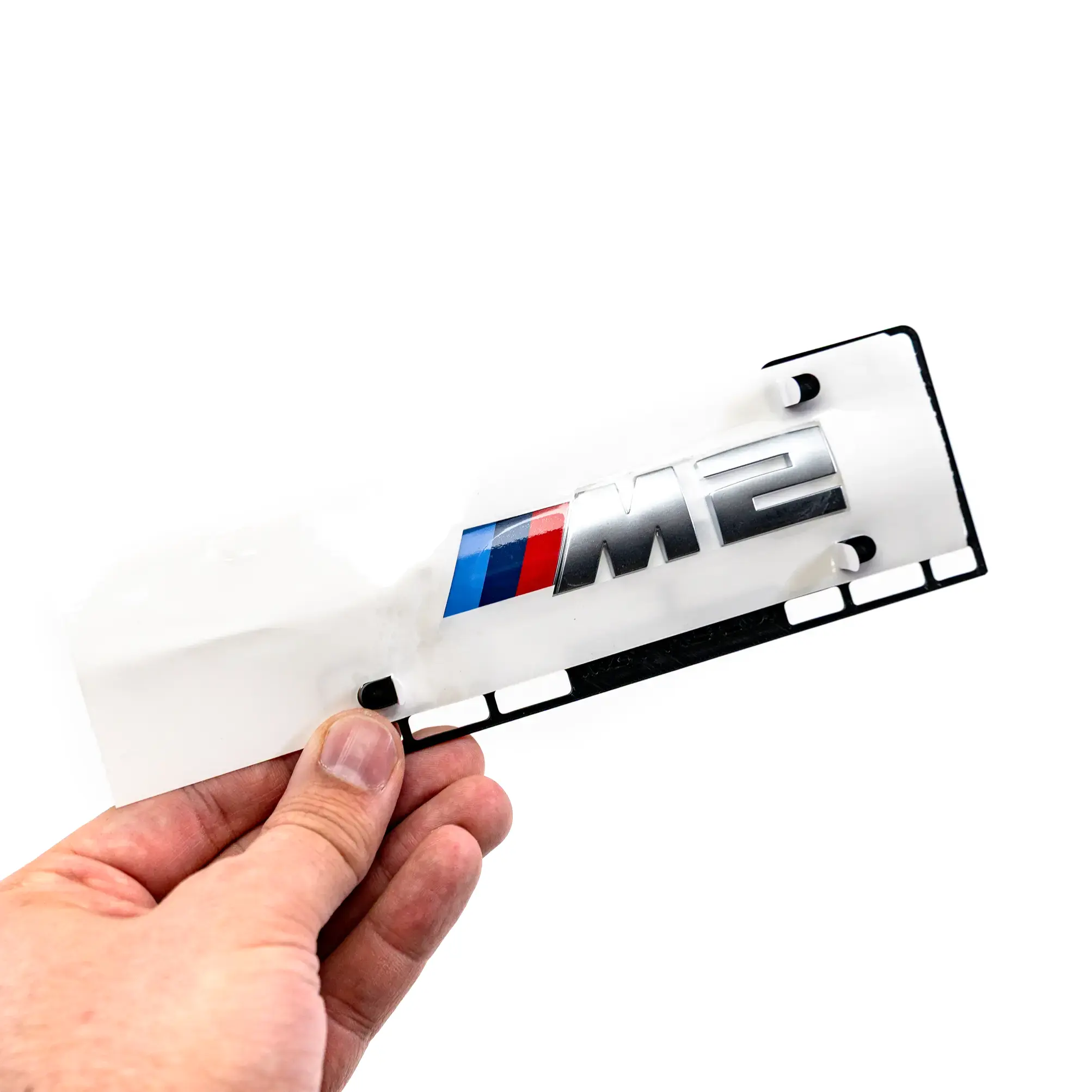
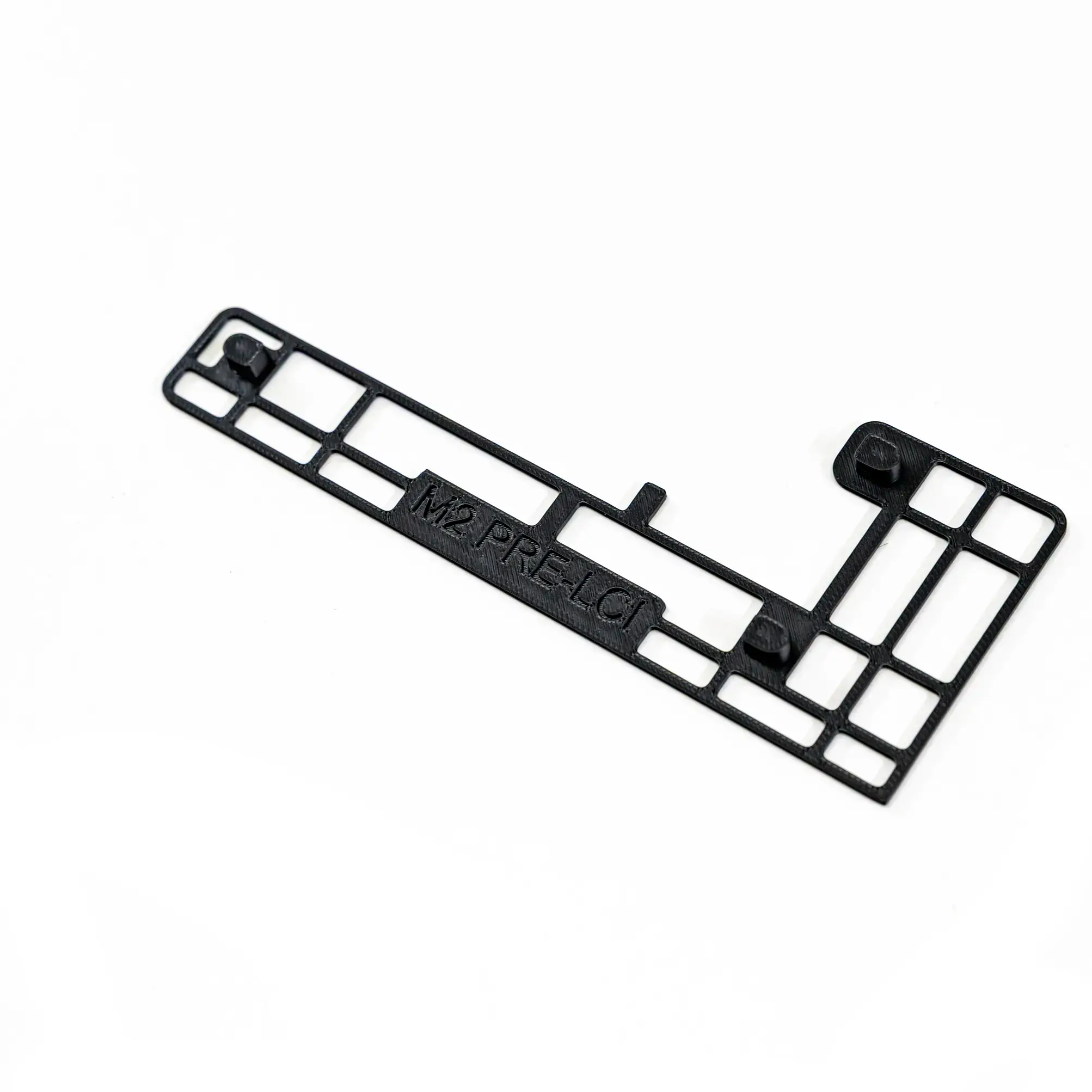
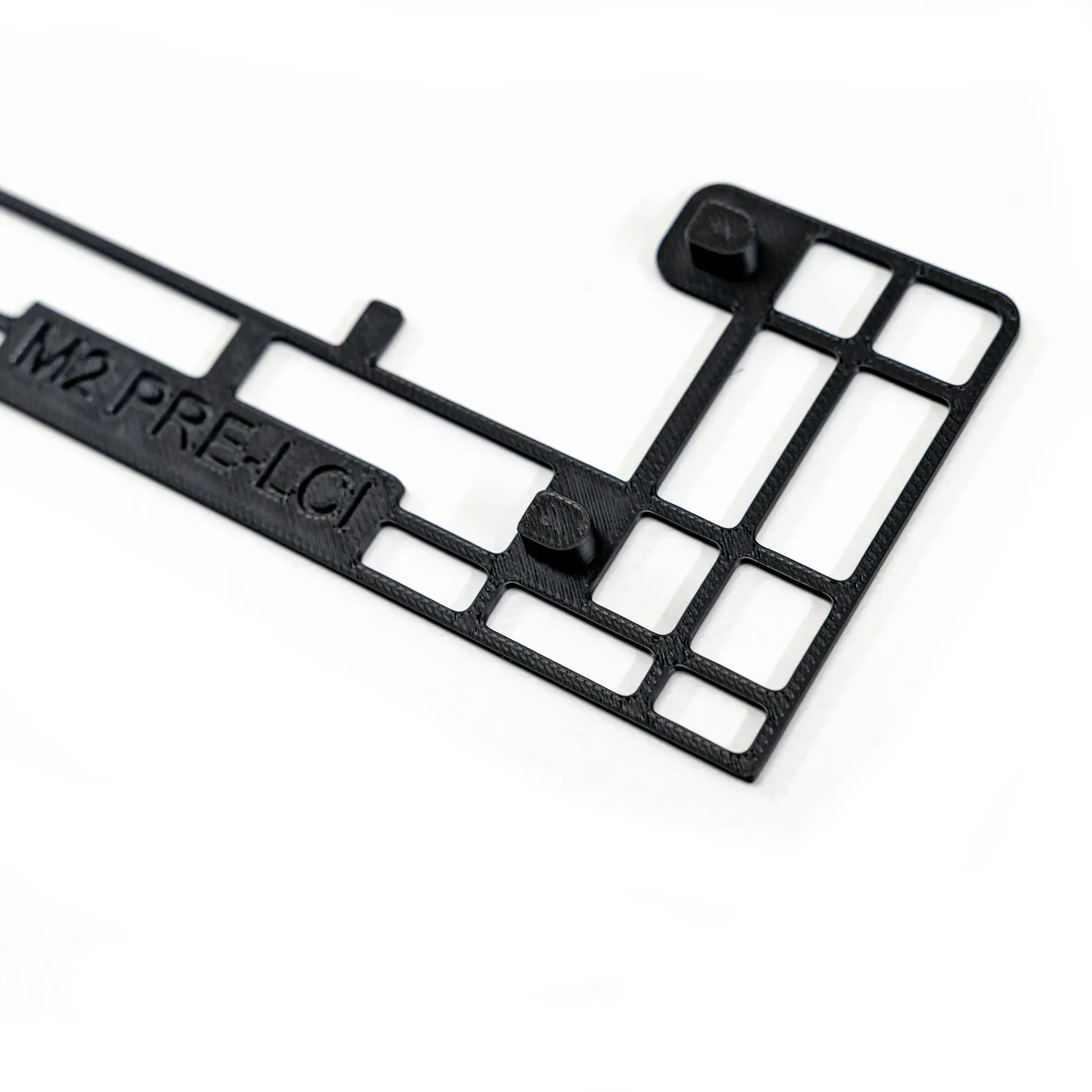
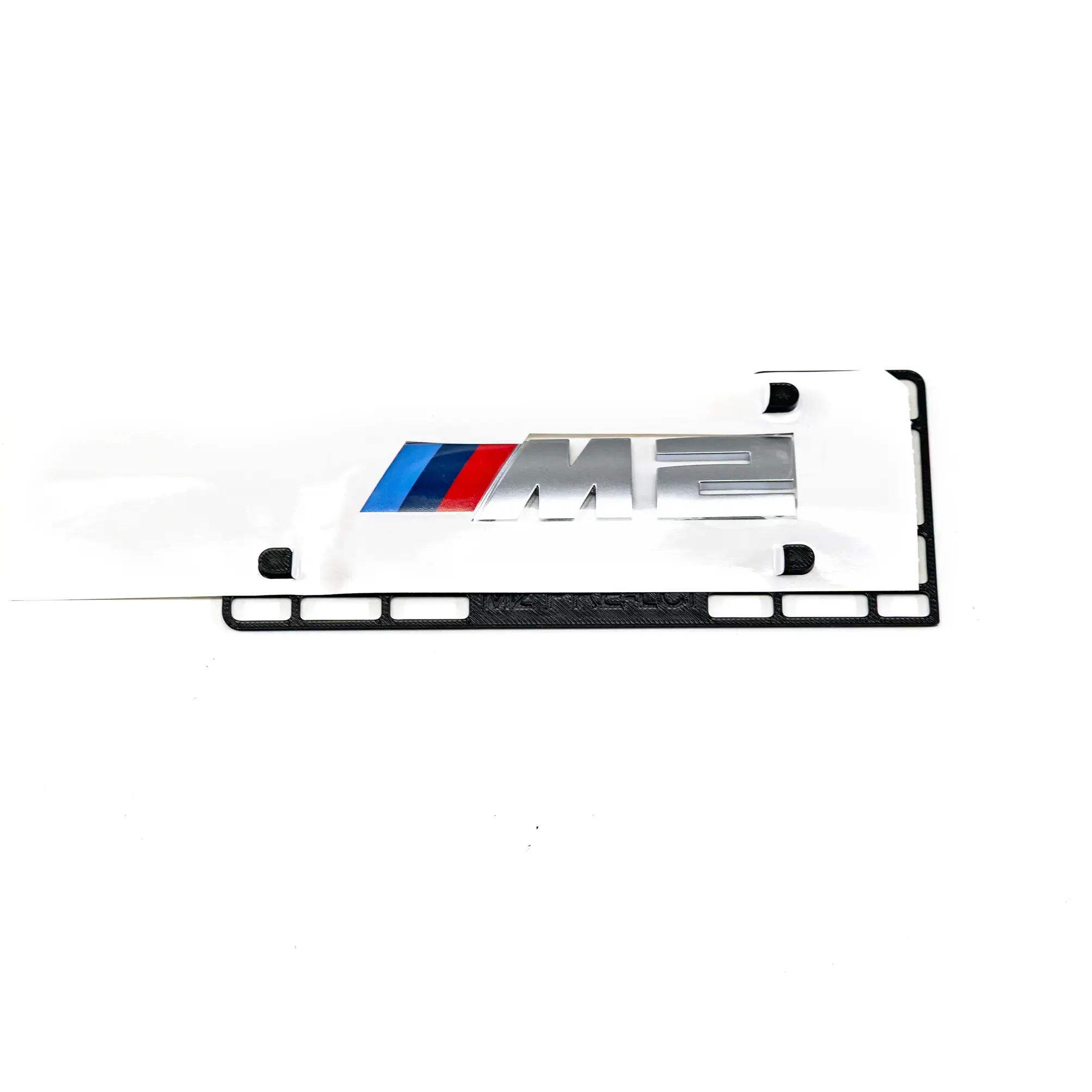
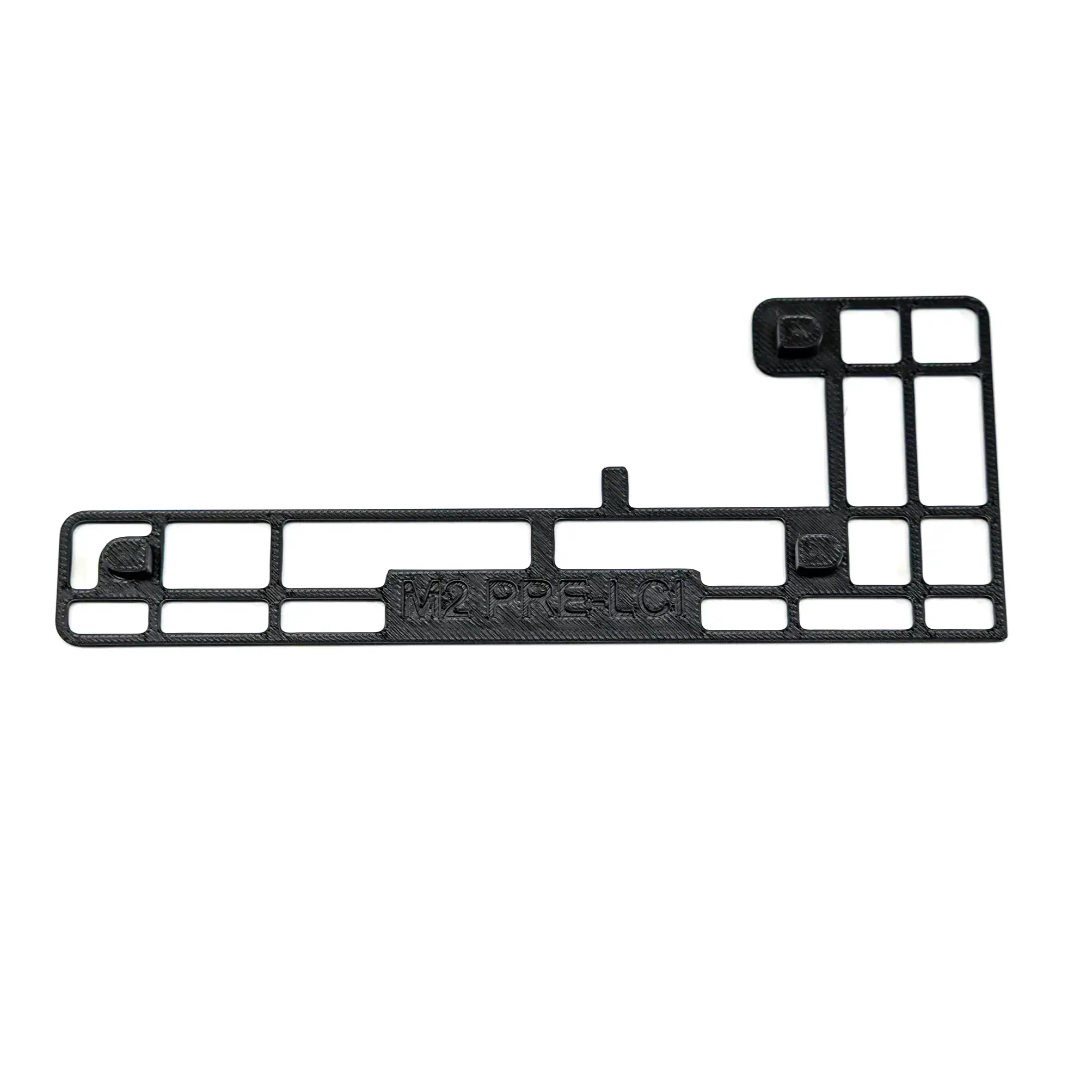
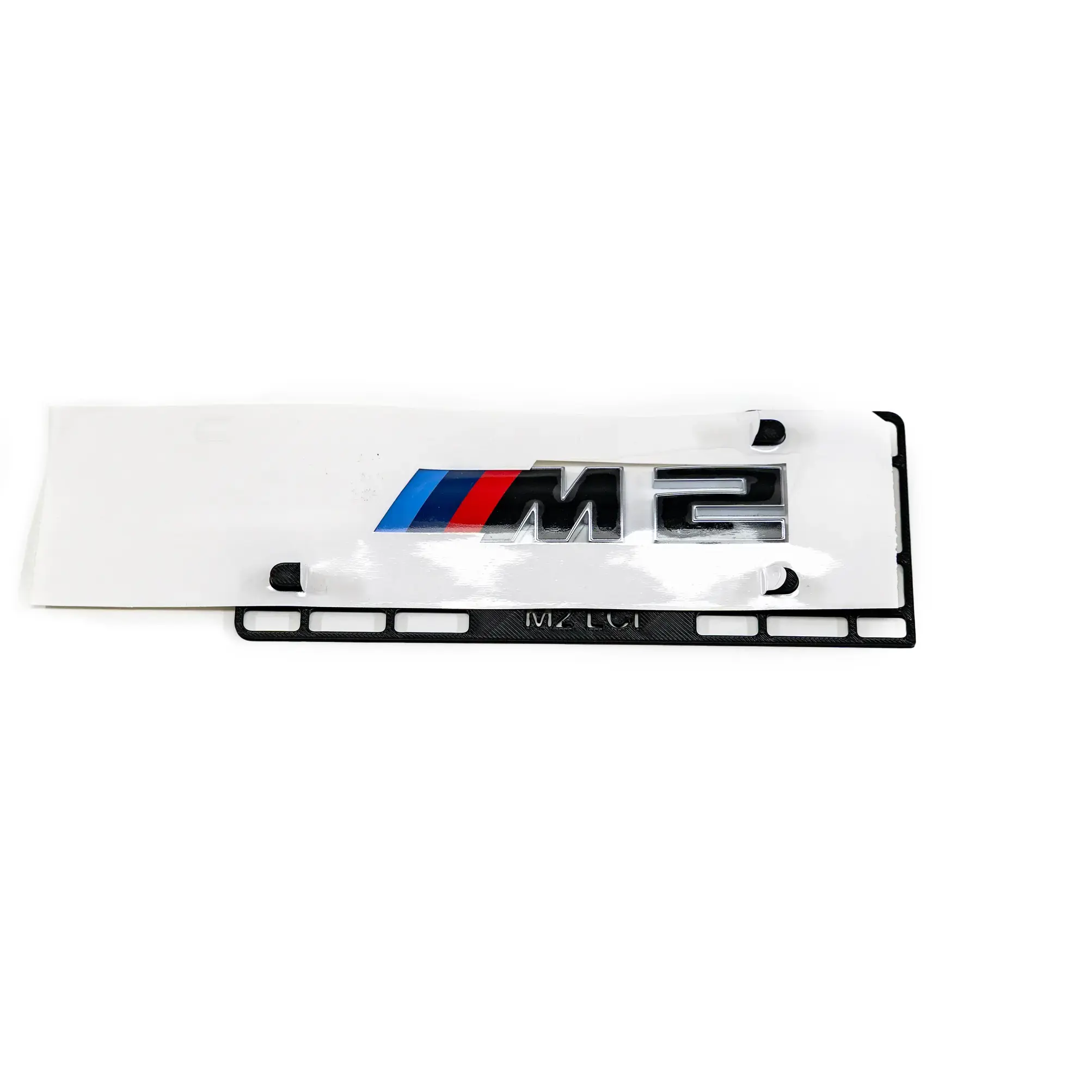
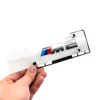
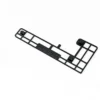
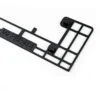
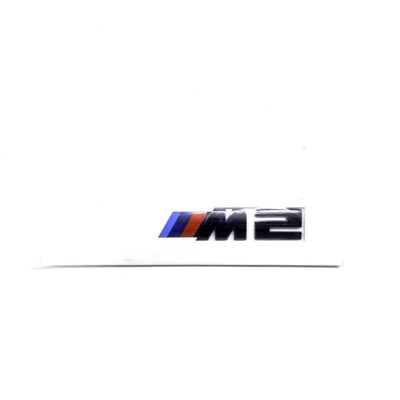
PaddleShifterz 3D printed template for placing the rear M2 badge on your BMW G87 M2 exactly right. Available for pre-LCI and LCI models (not for the M2 CS). The badge is not included.
Description
This PaddleShifterz rear badge positioning template makes it simple to place the rear M2 badge on your BMW G87 M2 in the right spot. It is 3D printed and available for the pre-LCI and LCI badge (not for the M2 CS). Choose your version above. Prefer to print it yourself? The template is also available to download.
How to use
- Clean the trunk lid and prepare the surface so the adhesive sticks well.
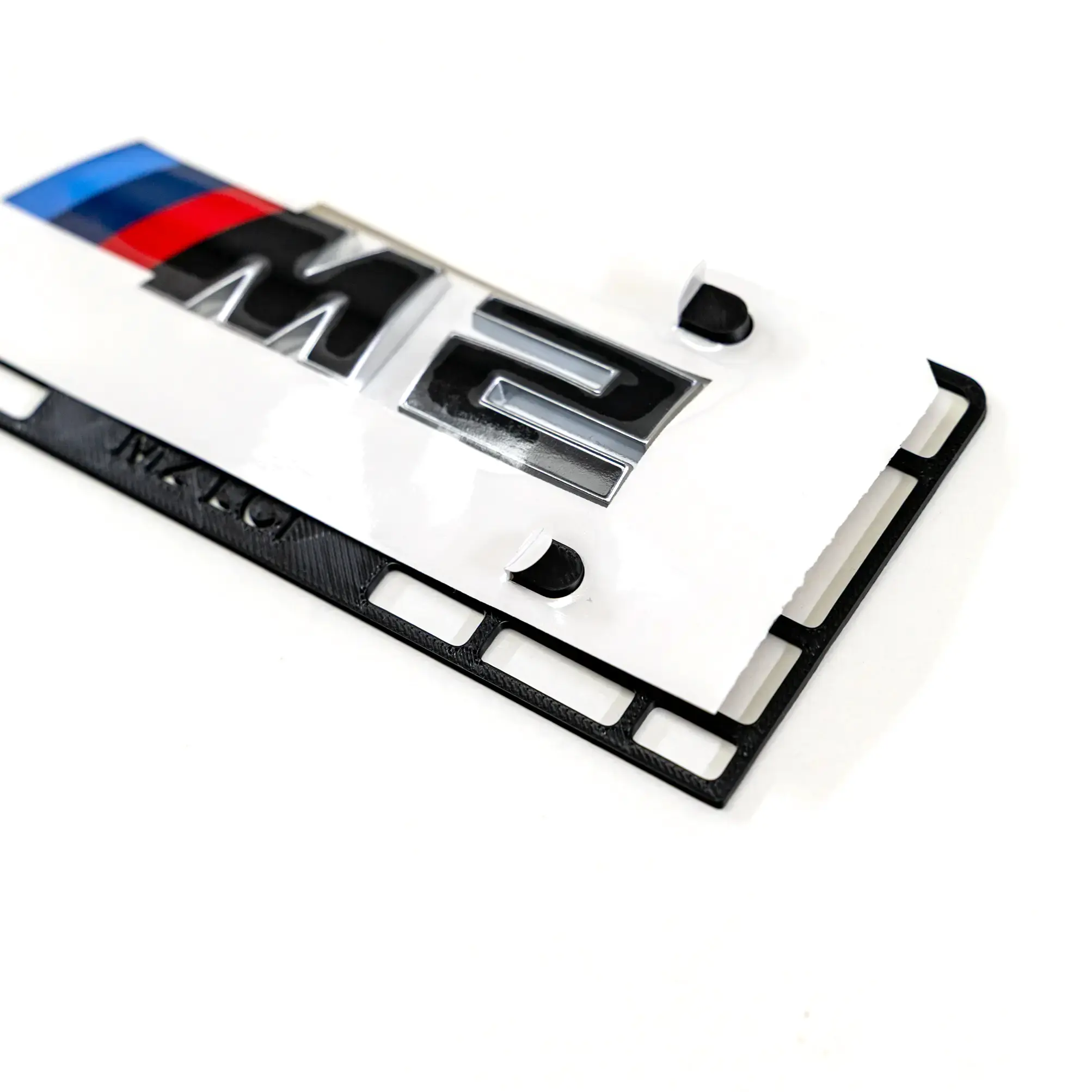
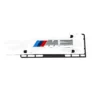
- Push your rear M2 badge onto the template, lining up the template pins with the holes in the badge’s backing paper.
- Remove the backing paper from the adhesive side of the badge. Line up the bottom-right corner of the template with the right edge of the trunk, where the trunk meets the taillight.
- Press the badge onto the trunk and make sure the adhesive bonds well.
- Remove the front film from the badge, then remove the template.
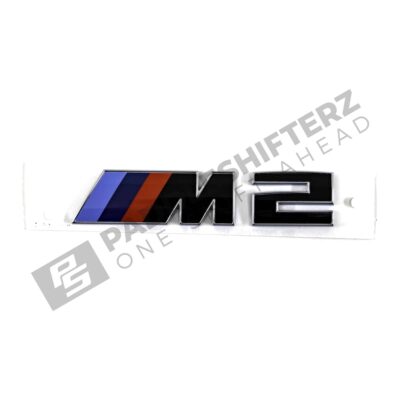
Worried about scratches? Put some painter’s tape on the underside of the template. Need a badge? See the G87 M2 LCI trunk badge.
Fitment
Fits:
What you receive
- 1x rear badge positioning template, pre-LCI or LCI as selected (badge not included)
| Package weight | 0,2 kg |
|---|---|
| Package dimensions | 15 × 5 × 3 cm |
| Version | Pre-LCI, LCI |
| Brand | |
| Manufacturer | PaddleShifterz PS UG |
| Product category | Exterior |
| Product type |
Shipping & Import Information
Import duties/VAT may apply outside the EU — see our Shipping & Import Policy →
Does it fit my vehicle?
This product can be fitted to these models:
Find more parts fitting your vehicle
Select your make and model to see every part that fits.
Product inquiry
Not sure about fitment or part numbers? Send us the details and we will come back within one working day.
This site is protected by reCAPTCHA and the Google Privacy Policy and Terms of Service apply.
You may also like…
Related products